Open the shop QR
The QR opens that shop's private mobile print page.
Customers upload from their phone, choose pages and payment, and the shop's Windows printer receives an organized print job.
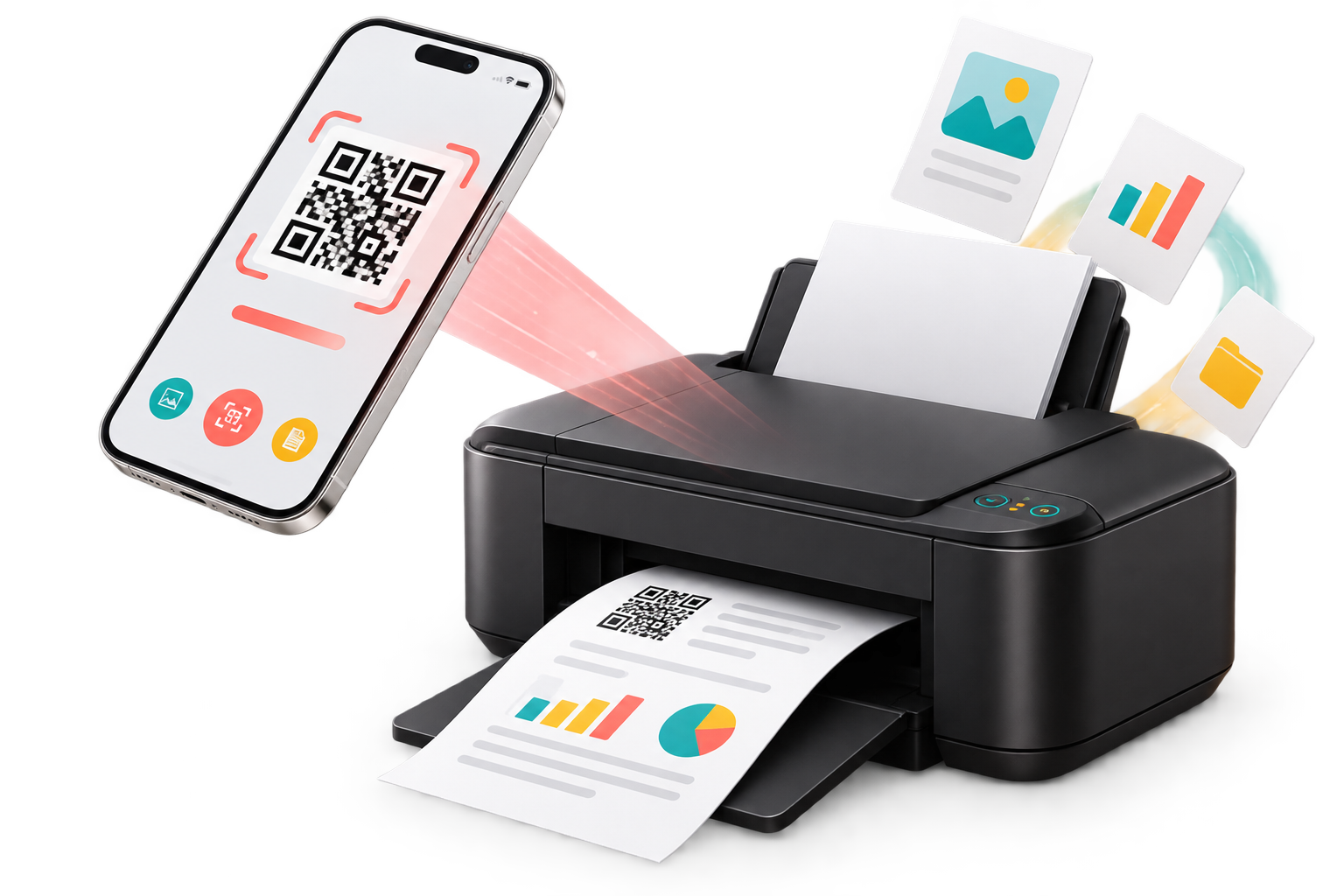
The print page asks only what is needed. The shop receives the file, settings, payment status and customer details in one job.
The QR opens that shop's private mobile print page.
Add a file, select print service and adjust the layout.
Choose pages, copies, color, paper and payment mode.
The Print Agent routes the approved job to the printer.
Customers choose the job they need before uploading. Each service provides controls designed for that output.
PDF and images with page range, copies, size and duplex controls.
Crop and arrange up to 25 passport photos on one A4 sheet.
Place front and back together with drag, resize and rotate tools.
Clean, quick resume printing from PDF or image files.
Connect existing Windows printers and manage jobs, payments, wallet balance and reports without changing how customers reach the shop.
Start your 5-day demoAdd B&W and color printers, see connection health and route each job correctly.
Track queued, picked, printed and failed jobs by date, customer, file or status.
Add wallet funds, purchase a package and review every transaction.
Every package uses the same QR print workflow and Shop Panel.
Demo
Starter
Monthly
Yearly
Qr To Print keeps each customer request complete from upload to printed status, so the operator knows exactly what to print and where to send it.
Customers upload directly from their phone, so documents no longer get buried inside chat conversations.
Payment, print settings and job status remain together, making counter work easier to check.
B&W and color jobs can be routed to their configured printers without checking every file manually.
Everything needed for the first test print is included in the setup guide.
Open full setup guide